Fix Lili Royale Login Problems: Forgot Password, Account Locked, Verification Errors
Resetting Your Password via SMS or Email Recovery
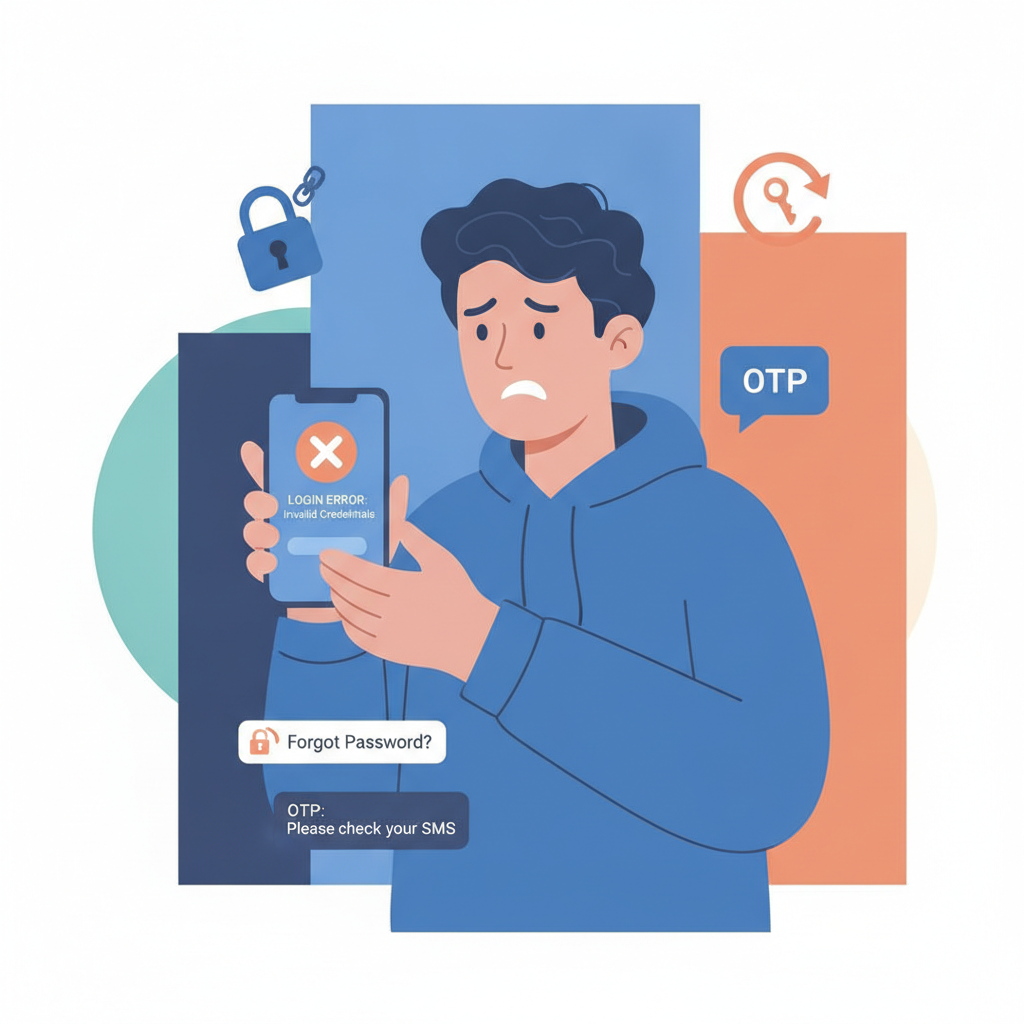
If you've forgotten your Lili Royale password, the platform offers two recovery methods: SMS and email. On the login screen, tap "Forgot Password" below the password field. You'll be asked to enter either your registered mobile number or email address.
For SMS recovery, enter your phone number exactly as it appears in your account. Lili Royale will send a one-time code to that number, usually within one to three minutes. Enter the code on the next screen, then create a new password. Your new password must be at least eight characters and include a mix of letters and numbers.
For email recovery, provide the email address linked to your account. Check your inbox for a password-reset link from Lili Royale. If the email doesn't arrive within five minutes, check your spam or junk folder. The reset link expires after 15 minutes, so complete the process promptly. Click the link, enter your new password twice to confirm, and submit.
If neither SMS nor email arrives, confirm that your phone number and email are still active and that you have signal or data. If you changed your SIM card or email provider recently, contact Lili Royale support through the live chat widget on their website. Have your username and a valid ID ready for verification.
Why Accounts Get Locked: Failed Login Attempts, Suspicious Activity, Incomplete KYC
Lili Royale temporarily locks accounts for security reasons. The most common cause is multiple failed login attempts—usually five incorrect passwords within a short period. This triggers an automatic 30-minute to two-hour lockout. Wait for the lockout period to expire, then reset your password using the steps above. Trying to log in repeatedly during the lockout only extends the timer.
Suspicious activity can also freeze your account. This includes logging in from a new device or location that differs sharply from your usual pattern, especially if paired with a withdrawal request. Lili Royale's fraud-detection system flags these changes and may require you to verify your identity before restoring access. You'll receive an email or SMS explaining the hold. Reply with a clear photo of your valid government ID (driver's license, passport, or national ID) and a selfie holding the same ID. Support typically reviews these submissions within 24 hours.
Incomplete KYC (Know Your Customer) verification is another frequent reason for restricted access. Philippine online platforms require ID and address proof to comply with anti-money-laundering rules. If you skipped the verification step during registration or uploaded blurry images, Lili Royale may lock your account until you submit acceptable documents. Log in to your account dashboard—if it allows limited access—and navigate to the "Verification" or "Account Settings" section. Upload a high-resolution scan or photo of your ID and a recent utility bill or bank statement showing your name and address. Processing usually takes one to three business days.
If your account remains locked after addressing these issues, open a support ticket or use live chat. Provide your username, registered mobile number, and a brief explanation. Avoid creating a second account; duplicate accounts violate platform terms and can result in permanent bans.
Two-Factor Authentication or OTP Not Arriving
Lili Royale may send a one-time password (OTP) via SMS whenever you log in from a new device or attempt a withdrawal. If the OTP doesn't arrive, first check your signal strength. A weak mobile connection can delay SMS delivery by several minutes. Move to an area with better reception or switch from mobile data to Wi-Fi and vice versa to refresh the network.
Wait up to five minutes before requesting a new code. Sending multiple OTP requests in quick succession can trigger anti-spam filters on your carrier's network, blocking further messages temporarily. If no code arrives after five minutes, tap "Resend OTP" once.
If you're using a prepaid SIM card, make sure it has sufficient load or active service. Some carriers block promotional or transactional SMS when your account is inactive or has zero balance. Top up your prepaid credits, then request a new OTP.
Check your phone's message filters or blocking settings. On Android, open your Messages app, tap the three-dot menu, and look for "Spam & blocked" or similar. On iPhones, go to Settings > Messages > Unknown & Spam and ensure Lili Royale's sender number isn't filtered. If your phone uses a third-party SMS app, verify that it isn't categorizing Lili Royale messages as junk.
If OTPs still fail to arrive, contact Lili Royale support and ask them to whitelist your number or switch your two-factor method to email-based codes. Email OTPs are less susceptible to carrier delays but require a stable internet connection.
Clearing App Cache or Browser Cookies to Resolve Login Loops
Login loops—where you enter correct credentials but the screen reloads without logging you in—often stem from corrupted cache or cookies. For the Lili Royale Android APK, open your phone's Settings > Apps > Lili Royale, then tap "Storage" and select "Clear Cache." This removes temporary files without deleting your saved login details. If clearing cache doesn't work, tap "Clear Data" (note: this erases your saved username, so you'll need to re-enter it). Restart the app and try logging in again.
For iOS users (if Lili Royale offers an app through TestFlight or direct download), go to Settings > General > iPhone Storage > Lili Royale and tap "Offload App." This removes the app but keeps your data. Reinstall it from the link Lili Royale provided, then log in.
If you're using a mobile browser (Chrome, Safari, or the default Android browser), clear cookies and site data for Lili Royale. In Chrome on Android, tap the three-dot menu, go to Settings > Privacy and Security > Clear Browsing Data, select "Cookies and site data" and "Cached images and files," choose "All time" as the time range, and tap "Clear data." On iPhone Safari, go to Settings > Safari > Clear History and Website Data.
After clearing cache or cookies, close the app or browser completely—swipe it away from your recent-apps list—and reopen it. Attempt to log in with a stable Wi-Fi connection rather than mobile data to rule out connectivity issues.
If the loop persists, your device's date and time settings may be incorrect. Lili Royale's servers compare timestamps for security. Go to Settings > Date & Time and enable "Automatic date & time" and "Automatic time zone." Restart your device and try again.
Occasionally, an outdated version of the Lili Royale APK causes login failures. Check the official Lili Royale website for the latest APK version number and compare it to the one installed on your phone (visible in Settings > Apps > Lili Royale). If yours is older, download and install the newest APK, ensuring you enable "Install from unknown sources" in your Android security settings.
21+ Only: Take Breaks and Play Within Your Budget
Lili Royale is strictly for players aged 21 and above. Online betting should remain a form of entertainment, not a way to solve financial problems or chase losses. If you find yourself logging in more often than intended, spending beyond your budget, or feeling stressed about your balance, it may be time to take a break.
Set deposit limits in your Lili Royale account settings to control how much you load each day or week. Use only money you can afford to lose, and never borrow or use funds meant for bills, groceries, or savings to place bets. If login issues are causing frustration, step back and resolve them calmly rather than attempting workarounds that might compromise your account security.
For confidential support with gambling concerns in the Philippines, reach out to local counseling services or responsible-gambling hotlines. Taking breaks, setting limits, and knowing when to stop are all part of playing responsibly.