Lili Royale App Download for Android: APK Install and Update Guide
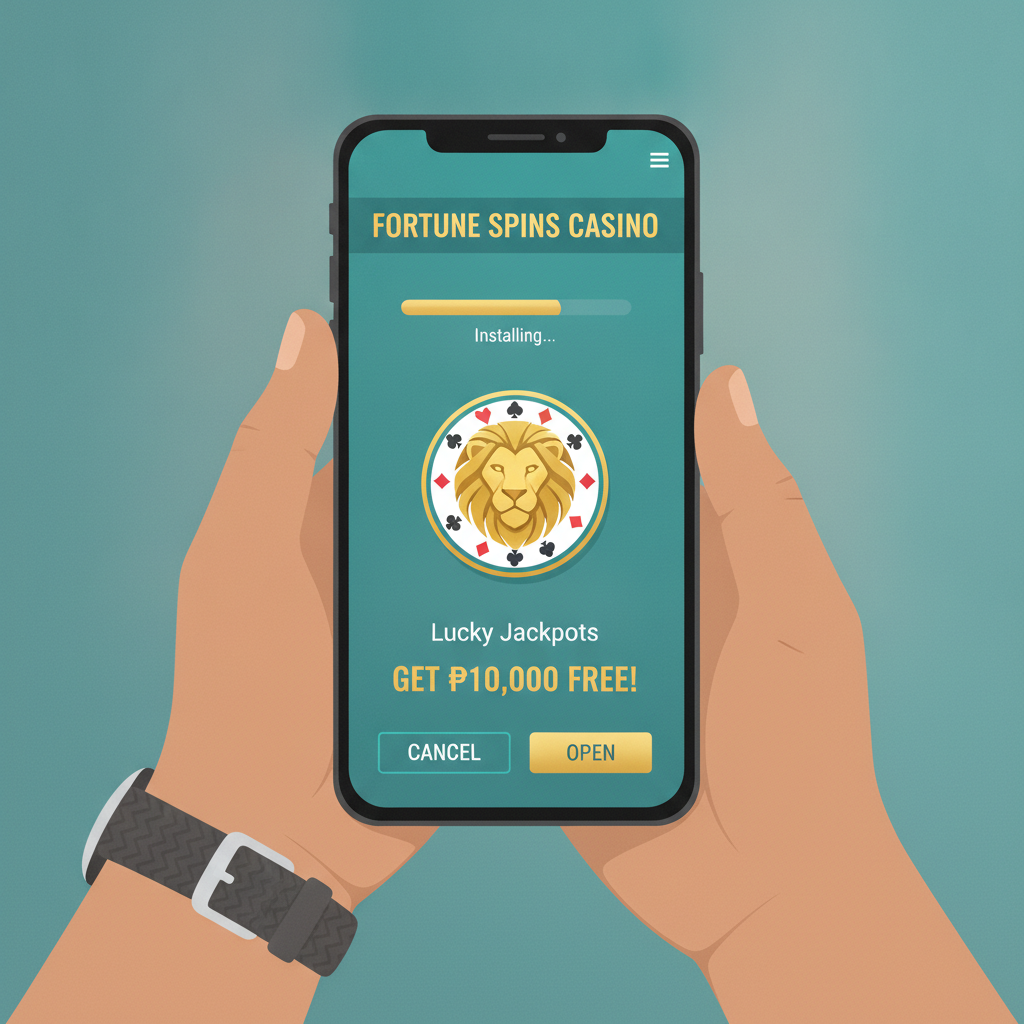
Most Filipino players access Lili Royale on Android phones, and the platform distributes its casino and sportsbook through a direct APK download rather than the Google Play Store. This guide walks you through finding the official file, adjusting your device settings, installing the app, and keeping it updated.
21+ only. Online betting is restricted to adults. Set deposit limits in your account before you start playing.
Where to Find the Official Lili Royale APK
Because Google Play does not list real-money casino apps in the Philippines, Lili Royale offers its Android app as an APK file hosted on its own domain.
To download safely:
- Open your mobile browser and visit the official Lili Royale website.
- Look for a persistent banner, footer link, or menu item labeled "Download App" or "Mobile App."
- Tap the Android icon or APK download button.
- Your browser will prompt you to save the file—confirm the download.
Avoid third-party sites. APK mirror sites and file-sharing forums may host outdated or modified versions. Always download directly from Lili Royale's official web address to protect your login credentials and payment details.
If you are already logged into your account on mobile web, the platform may display a download prompt the first time you visit. This is the same official APK.
Enabling 'Install from Unknown Sources' on Android
By default, Android blocks installations from outside the Play Store. You need to grant your browser or file manager one-time permission.
For Android 8 and newer:
- After the APK finishes downloading, tap the notification or open the file.
- Android will show a dialog: "For your security, your phone is not allowed to install unknown apps from this source."
- Tap Settings.
- Toggle Allow from this source on.
- Tap the back button to return to the installation screen.
For Android 7 and older:
- Open Settings > Security.
- Scroll down and enable Unknown sources.
- Confirm the warning prompt.
You only need to enable this setting once per browser. After you install the Lili Royale app, you can turn the permission off again if you prefer.
Step-by-Step APK Installation and First Launch
Once you've allowed installations, the process is fast.
Installation:
- Open your Downloads folder or tap the APK notification.
- Tap Install at the bottom of the screen.
- Wait 5–10 seconds for Android to unpack and verify the file.
- Tap Open when the "App installed" message appears, or find the Lili Royale icon on your home screen or app drawer.
First launch:
- The app will request permissions—typically storage (to cache game graphics) and notifications (for promo alerts and cashout updates). Grant these if you want full functionality.
- You will see the Lili Royale login screen. Enter your registered username and password.
- Some devices trigger an additional security check (SMS or email OTP) the first time you log in from a new app install. Check your phone messages or inbox and enter the code.
- Once logged in, you will land on the main lobby with quick links to slots, live casino, sports betting, and your account dashboard.
If you have not yet registered, the login screen includes a Sign Up or Register link—but this guide assumes you already have an account. For first-time registration walkthroughs, refer to beginner-focused Lili Royale guides.
How to Update the App When a New Version Is Released
Lili Royale updates its APK periodically to add features, improve stability, and refresh game libraries. Because the app does not auto-update through the Play Store, you need to manually download and install each new release.
How you will know an update is available:
- A banner or pop-up inside the app prompts you to download the latest version.
- The mobile website displays an update notice when you visit.
- You receive a push notification if you have alerts enabled.
Update process:
- Tap the Update Now link or visit the official Lili Royale website.
- Download the new APK file exactly as you did during the first install.
- Open the file and tap Install—Android will replace the old version automatically without deleting your login session or settings.
- Launch the updated app and confirm you can access your account.
Do you need to uninstall the old version first? No. Android recognizes matching package names and overwrites the previous installation.
Will you lose your login or bet history? No. Your account data lives on Lili Royale's servers, not your device. Updating the APK will not affect your balance, transaction history, or open bets.
How often should you check for updates? If the app runs smoothly, once a month is usually enough. If you experience login errors, missing games, or payment bugs, check for an update first—many issues are resolved in newer builds.
Troubleshooting Common APK Install Issues
"App not installed" error:
This usually means the APK is corrupted or incomplete. Delete the file from your Downloads folder, clear your browser cache, and download again from the official site.
"Parse error":
Your Android version may be too old. Lili Royale typically requires Android 5.0 or higher. Check Settings > About Phone > Android version. If your device is older than Android 5, you may need to use the mobile website instead of the app.
App crashes on launch:
Force-stop the app (Settings > Apps > Lili Royale > Force Stop), clear the cache, and reopen. If crashes persist, uninstall and download the latest APK.
Login loop or "session expired" message:
Sign out, close the app completely (swipe it away from the recent-apps list), then reopen and log in again. If the problem continues, try logging in through the mobile browser to confirm your credentials are correct.
GCash and Maya In-App Deposits
Once the Lili Royale app is installed and you are logged in, you can deposit directly from the app without switching to a browser.
Quick steps:
- Tap Deposit or the wallet icon.
- Select GCash or Maya.
- Enter your amount (minimum is typically PHP 100).
- You will be redirected to the GCash or Maya app to authorize the payment.
- Return to Lili Royale—your balance updates within seconds in most cases.
InstaPay and PESONet bank transfers are also available in the same deposit menu. Processing times vary: InstaPay is usually instant, while PESONet can take a few hours depending on your bank's cutoff schedule.
For detailed cashout walkthroughs, withdrawal limits, and what to do if a transaction is pending or declined, see dedicated guides on Lili Royale withdrawal methods and GCash casino payment troubleshooting.
iOS and Desktop Alternatives
Lili Royale does not offer a native iOS app in the Philippine App Store. iPhone and iPad users can add a web-app shortcut to their home screen:
- Open Safari and visit the Lili Royale site.
- Tap the Share icon, then Add to Home Screen.
- Name the shortcut and tap Add.
The shortcut opens the mobile-optimized website in full-screen mode, giving an app-like experience without an APK.
Desktop players can access the same game library and features through any modern browser on Windows or Mac. No download is required—simply log in at the official website.
21+ Only: Set Deposit Limits Before You Play
Lili Royale is intended for adults aged 21 and over. Before you make your first deposit through the app, take a moment to configure responsible-gambling controls:
- Set a daily, weekly, or monthly deposit cap in your account settings.
- Use session reminders to track how long you have been playing.
- If you feel you are spending more than you can afford, contact Lili Royale support to request a cooling-off period or self-exclusion.
Gambling should be entertainment, not a source of income. Never chase losses or bet money you need for essentials.
Key Takeaways
- Download the Lili Royale APK only from the official website to avoid fake files.
- Enable "Install from Unknown Sources" in Android settings before tapping Install.
- The app does not auto-update—check back every few weeks for new versions.
- Login, deposit, and withdrawal functions work the same way in the app as on the mobile site, with GCash, Maya, InstaPay, and PESONet all supported.
- If you encounter errors, try clearing the app cache or re-downloading the latest APK before contacting support.
Play responsibly. 21+ only.