Lili Royale GCash Deposit Not Showing? Troubleshooting Failed Transactions
Lili Royale GCash Deposit Not Showing? Troubleshooting Failed Transactions
When your GCash payment goes through but your Lili Royale balance stays the same, the first few minutes can feel frustrating—especially if you're ready to play or place a bet. Missing deposits happen occasionally across Philippine online casinos, and most resolve within hours once you follow the right steps. This guide walks you through checking your GCash transaction history, gathering proof for a support ticket, understanding typical resolution times, and avoiding duplicate payments while you wait.
21+ only. Always deposit money you can afford to lose, and never chase losses with extra top-ups.
Check GCash Transaction History for Debit Confirmation
Before contacting Lili Royale support, confirm that GCash actually debited your account. Sometimes a transaction feels complete on your end but failed on the payment gateway's side, leaving your funds untouched.
How to check your GCash transaction history:
- Open the GCash app on your Android phone.
- Tap the menu icon (three horizontal lines) in the top-left corner.
- Select My Transactions or Transaction History.
- Look for the most recent outgoing payment to Lili Royale or a merchant name that might appear instead (often "Lili Royale" or a payment-processor label).
- Check the status: Successful, Failed, or Pending.
If the status shows Failed or the transaction isn't listed:
Your funds were never deducted, and you can retry the deposit. No need to open a support ticket—simply go back to Lili Royale, log in, and start a fresh deposit request.
If the status shows Successful but your Lili Royale balance hasn't updated:
You have proof of payment, and this is a processing delay or mismatch between GCash and Lili Royale's payment system. Proceed to the next step to gather documentation for support.
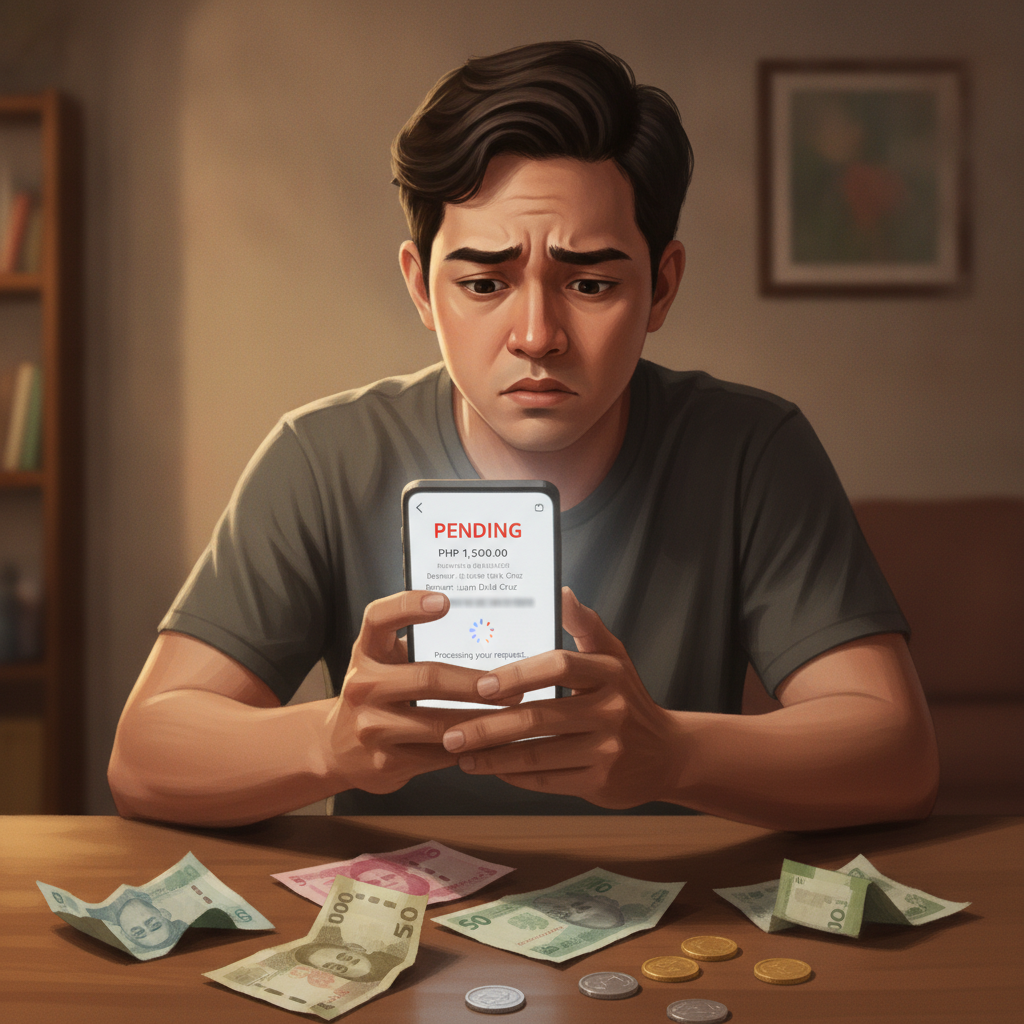
If the status shows Pending:
GCash has placed a hold on your funds, but the transaction hasn't completed. Pending payments usually resolve themselves within 10–30 minutes. Wait at least 30 minutes before taking further action; many players see their balance update automatically once GCash finalizes the transfer.
Screenshot and Reference-Number Requirements for Support Tickets
When your GCash transaction is marked Successful but your casino balance remains zero, Lili Royale's support team will need specific information to trace the payment and credit your account manually.
What to prepare before contacting support:
- GCash transaction screenshot
Go back to My Transactions, tap the relevant payment, and capture a clear screenshot showing:
- Transaction date and time
- Amount sent (in PHP)
- Recipient or merchant name
- GCash reference number (a unique alphanumeric code, often 12–16 digits)
- Status: Successful
- Your Lili Royale username or registered mobile number
Support will cross-reference your casino account with the payment details, so provide the exact username or phone number you used during registration. - Deposit amount and currency
State the exact PHP amount you attempted to deposit (for example, PHP 200 or PHP 500). This helps support filter transaction logs quickly.
How to contact Lili Royale support:
- Live chat: Log in to Lili Royale on your Android browser or app, find the chat icon (usually bottom-right corner), and explain the issue. Attach your GCash screenshot if the chat allows file uploads.
- Email: Send your screenshot and details to the support email listed on the Lili Royale website's Contact page. Use a clear subject line like "Missing GCash deposit – [your username]."
- In-app support form: Some versions of the Lili Royale app include a Support or Help section with a form. Fill in all required fields and attach the screenshot.
Why reference numbers matter:
Every GCash transaction generates a unique reference number that acts as proof of payment. Without it, support teams struggle to locate your transfer among hundreds of daily transactions. Always include this number in your ticket to speed up resolution.
Average Resolution Time for Missing Deposits
Most missing GCash deposits to Lili Royale are credited within 2 to 24 hours once you submit a proper support ticket with proof. Resolution speed depends on several factors:
- Time of day: Tickets submitted during Philippine business hours (roughly 9 AM to 6 PM Manila time, Monday to Saturday) typically receive faster responses. Late-night or Sunday tickets may wait until the next business day.
- Payment-processor delays: Lili Royale uses third-party payment gateways to handle GCash transactions. If the gateway's system logs a mismatch or delay, support must coordinate with that provider, which can add a few extra hours.
- Accuracy of your documentation: Clear screenshots with visible reference numbers allow support to verify and credit your account in one interaction. Blurry images or missing details can require follow-up messages, stretching resolution to 24–48 hours.
What to expect during the process:
- Initial acknowledgment: Most players receive an automated or manual reply within 1–4 hours confirming that support has received the ticket.
- Investigation: Support cross-checks your GCash reference number against transaction logs. This step usually takes 2–12 hours.
- Manual credit: Once verified, support manually adds the missing amount to your Lili Royale balance. You'll typically see the funds appear and receive a confirmation message via email, SMS, or live chat.
If 24 hours pass with no update:
Reply to your original ticket or send a polite follow-up message referencing your case number (if provided). Include your GCash reference number again. Escalations are rare, but persistent, polite communication ensures your issue doesn't slip through the cracks.
During busy periods:
Weekends, major PBA or NBA game days, and holiday promotions can flood support queues. If you submit a ticket during a high-traffic window, expect resolution times closer to the 24-hour mark rather than 2–4 hours.
Preventing Duplicates: Wait Before Retrying a Failed Deposit
When a deposit doesn't show up immediately, the instinct is to try again—but submitting a second payment before the first one clears can create confusion and potential double-debits from your GCash wallet.
Why you should wait:
- Processing lag is normal: Even successful GCash transactions can take 5–15 minutes to reflect in Lili Royale's system, especially during peak hours or if the payment gateway is under heavy load.
- Double payments are hard to reverse: If you retry and both transactions eventually succeed, you'll have deposited twice the intended amount. Requesting a refund for the duplicate can take days and requires another round of support tickets.
- GCash holds can create confusion: A "Failed" status on your first attempt might later flip to "Successful" if GCash retries the transfer automatically. You won't know this happened if you've already started a second deposit.
Best practice:
- Wait at least 15 minutes after initiating a deposit before checking your Lili Royale balance.
- If your balance still hasn't updated, check your GCash transaction history (see the first section above).
- If GCash shows Successful, open a support ticket and do not retry.
- If GCash shows Failed or the transaction is absent, you're safe to attempt a new deposit.
What to do if you accidentally double-deposit:
- Contact Lili Royale support immediately with screenshots of both GCash transactions.
- Request a withdrawal for the duplicate amount, or ask support to reverse the extra credit if you haven't yet used it.
- Note that some casinos apply withdrawal processing times and may require you to meet minimum turnover requirements even on accidental deposits, so prevention is always better than correction.
Responsible Play Reminder
Missing deposits can be stressful, but they're almost always resolved within a day when you provide the right documentation. While you wait, remember that online casino and sports betting should stay entertaining, not a source of financial pressure.
21+ only. Only deposit money you can afford to lose. If you find yourself chasing missing funds with additional deposits, or if waiting for a resolution feels overwhelming, take a step back. Set a daily or weekly deposit limit in your GCash app or Lili Royale account settings, and never borrow money to gamble.
If you or someone you know is struggling with gambling habits, reach out to a local support service or use Lili Royale's self-exclusion and cooling-off tools.
Quick Recap
- Check GCash first: Confirm the transaction shows as Successful in your GCash app's transaction history before contacting support.
- Gather proof: Screenshot the payment details, including the reference number, amount, date, and status.
- Submit a clear ticket: Use Lili Royale's live chat, email, or in-app form with all required information attached.
- Expect 2–24 hours: Most missing deposits are credited within this window, depending on the time of day and support queue.
- Don't retry immediately: Wait at least 15 minutes and verify the first attempt's status before starting a new deposit to avoid double payments.
By following these steps, you'll speed up resolution and get back to slots, live dealer tables, or sports betting with minimal downtime. Stay patient, keep your screenshots handy, and always play responsibly.