Lili Royale Withdrawal Pending for 24 Hours: What to Do Next
Normal Review Period for First-Time and Large Withdrawals
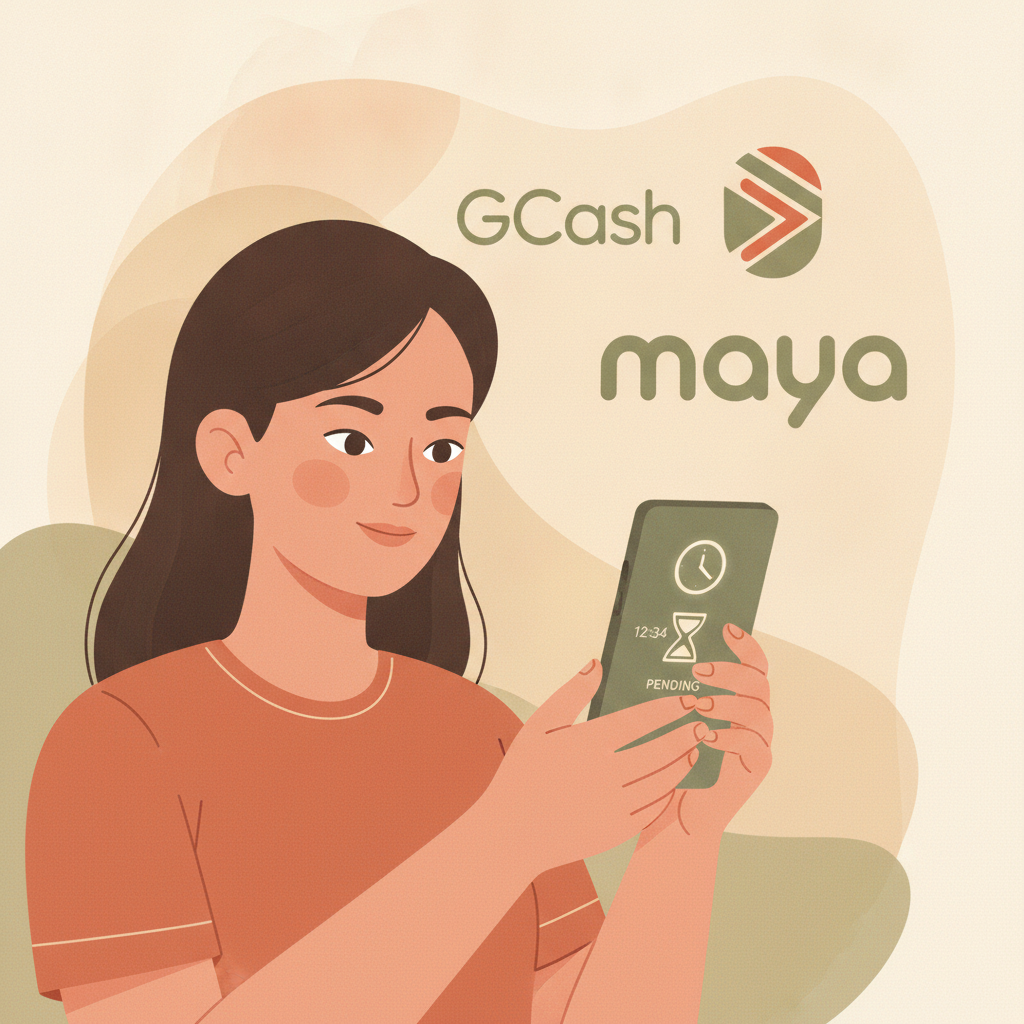
When you request a Lili Royale withdrawal to GCash, Maya, or bank transfer, the platform typically processes most cashouts within 2 to 24 hours. A "pending" status for the first day is normal, especially for your first withdrawal or for amounts above PHP 5,000.
Lili Royale runs standard security checks on every cashout. First-time withdrawals usually take longer because the system verifies your account details, matches your e-wallet or bank name against your registered profile, and confirms you've met any wagering requirements attached to bonuses you claimed.
Large withdrawals—generally PHP 10,000 or more—also trigger extended review. The platform's finance team manually reviews these transactions to prevent fraud and ensure the funds are going to the legitimate account holder.
If your Lili Royale GCash withdrawal or Maya cashout has been pending for under 24 hours and this is your first time cashing out, wait the full day before taking action. Most requests clear automatically once the routine checks complete.
Document Requests: ID Selfie, Proof of E-Wallet Ownership, Transaction Screenshots
A common reason your Lili Royale withdrawal stays pending beyond 24 hours is a request for additional documents. The platform will email you or send an in-app notification asking for one or more of the following:
- ID selfie: A photo of you holding your government-issued ID (driver's license, passport, or postal ID) next to your face. The ID details and your face must both be clearly visible in one shot.
- Proof of e-wallet ownership: A screenshot of your GCash or Maya home screen showing your full name and registered mobile number. Make sure the timestamp or account balance is visible to prove the screenshot is recent.
- Transaction screenshots: If you deposited via InstaPay or PESONet, support may ask for a screenshot of the bank transfer confirmation showing the reference number, date, amount, and your name.
Check the email address you used during registration and the notifications tab inside the Lili Royale app. Document requests often go out within 12 hours of your withdrawal submission, but the pending status won't change until you upload what they need.
To submit documents, log in to your account, navigate to the "Account" or "Verification" section, and follow the upload prompts. If you don't see an upload option, reply directly to the email from Lili Royale support with clear, high-resolution photos attached. Files should be JPEG or PNG, under 5 MB each, with no parts cropped or blurred.
Most document reviews complete within 6 to 12 hours after you submit everything. Once approved, your withdrawal moves from pending to processing, and funds typically arrive in your GCash, Maya, or bank account within another 2 to 6 hours.
When 'Pending' Becomes a Red Flag and How to Escalate
If your Lili Royale withdrawal has been pending for more than 48 hours and you haven't received any document requests or status updates, it's time to escalate.
First, double-check that you met all conditions before requesting the cashout:
- Wagering requirements: If you used a deposit bonus or free spins, you must complete the playthrough—often 10× to 25× the bonus amount—before you can withdraw. Pending cashouts sometimes sit unprocessed if the system flags incomplete rollover.
- Minimum withdrawal: Lili Royale usually sets a minimum cashout of PHP 100 to PHP 200, depending on the method. Requests below the threshold stay pending indefinitely.
- Account verification: If you skipped ID verification when you registered, your first withdrawal will remain pending until you complete it. Check the "My Account" or "KYC" section in the app.
If you've confirmed everything is in order, contact Lili Royale support through the live chat inside the app or by emailing the support address listed in your account dashboard. Provide:
- Your registered mobile number or username
- The exact withdrawal amount and method (GCash, Maya, InstaPay, or PESONet)
- The date and time you submitted the request
- A screenshot of the pending transaction from your account history
Ask for a specific reason for the delay and a timeline for resolution. Legitimate support teams respond within 2 to 12 hours with either a document request, an explanation of a bonus or verification issue, or confirmation that the cashout is now queued for final processing.
If you get no reply after 24 hours, or if support asks you to deposit more money before releasing your pending withdrawal, treat this as a serious red flag. Legitimate operators never require additional deposits to process cashouts. In that case, stop using the platform and consider reporting the issue.
Checking Email and In-App Notifications for Status Updates
Most Lili Royale withdrawal delays stem from missed notifications. The platform sends status updates three ways:
- Email: Sent to the address you registered with. Check your spam and promotions folders if you don't see anything in your inbox. Document requests, approval confirmations, and rejection notices all arrive by email.
- In-app notifications: A bell or message icon inside the Lili Royale app. Tap it to see alerts about your pending withdrawal, bonus expirations, or verification steps.
- SMS: For critical updates—like a successful cashout or a security alert—Lili Royale may send a text to your registered mobile number.
If your Lili Royale GCash withdrawal is still pending, open the app and go to "Transaction History" or "My Wallet." Look for a status message next to your cashout request. Common statuses include:
- Pending: Under review; no action needed yet.
- Processing: Approved and sent to GCash, Maya, or your bank. Funds should arrive within hours.
- Awaiting Verification: You need to upload documents or complete an additional step.
- Cancelled or Rejected: The request failed; check your email for the reason. You may need to resubmit with corrections.
If the app shows "Pending" with no further detail after 36 hours, and you've received no email, contact support. Sometimes notifications fail to send due to outdated email addresses or app cache issues. Clearing the Lili Royale app cache (in your Android settings under Apps > Lili Royale > Storage > Clear Cache) and logging in again can refresh the status display.
For bank transfers via InstaPay or PESONet, note that processing times also depend on your bank. InstaPay is usually instant once Lili Royale releases the funds, but PESONet can take one additional banking day. If the app shows "Processing" for more than 24 hours on a PESONet withdrawal, contact your bank to confirm they haven't flagged the incoming transfer.
21+ Only; Responsible Gambling Means Knowing When to Stop
Lili Royale is for players aged 21 and over only. Online gambling involves real money and real risk. If you find yourself frustrated by a pending withdrawal or depositing again while waiting for a cashout to clear, take a step back.
Responsible gambling means setting a budget, tracking your time, and recognizing when the experience stops being fun. If you feel anxious about withdrawal delays or tempted to bet with money you can't afford to lose, consider using account limits or self-exclusion tools.
Most pending Lili Royale withdrawals resolve within 48 hours once you provide any requested documents and confirm your account is fully verified. Stay patient, check your notifications, and escalate through official support channels if you hit the two-day mark without updates.
This is an independent guide to help Lili Royale players manage cashouts and troubleshoot common issues. It is not written or operated by Lili Royale. Always gamble responsibly and never bet more than you can afford to lose.